
In this installment of our Change Detection series, we shift focus from the OnPush strategy covered previously to customizing detection behavior through attaching and detaching the change detector.
Detaching the Change Detector
Once the change detector is detached inside a component, Angular skips change detection for that component and all of its descendants. Reattaching it restores the normal detection flow.
To illustrate this, the full example is available on GitHub and Stackblitz. The setup involves two components, parent and child, where the child is detached from change detection and reattached later once a certain condition is met. Making use of this approach requires injecting ChangeDetectorRef in the constructor.
import { ChangeDetectorRef, Component, OnInit } from '@angular/core';
@Component({
selector: 'app-child',
templateUrl: './child.component.html',
styleUrls: ['./child.component.scss']
})
export class ChildComponent implements OnInit {
constructor(private cdr:ChangeDetectorRef) { }
ngOnInit(): void {
this.cdr.detach();
}
}
```
`
The parent component has a data variable which we are showing in that component and also passing it to the child component as Input, and the data is displayed on HTML template other than this we have a button in the parent component to increment the value of data and two buttons in the child component one to detach and other to reattach the change detection, the setup will be as below screenshot
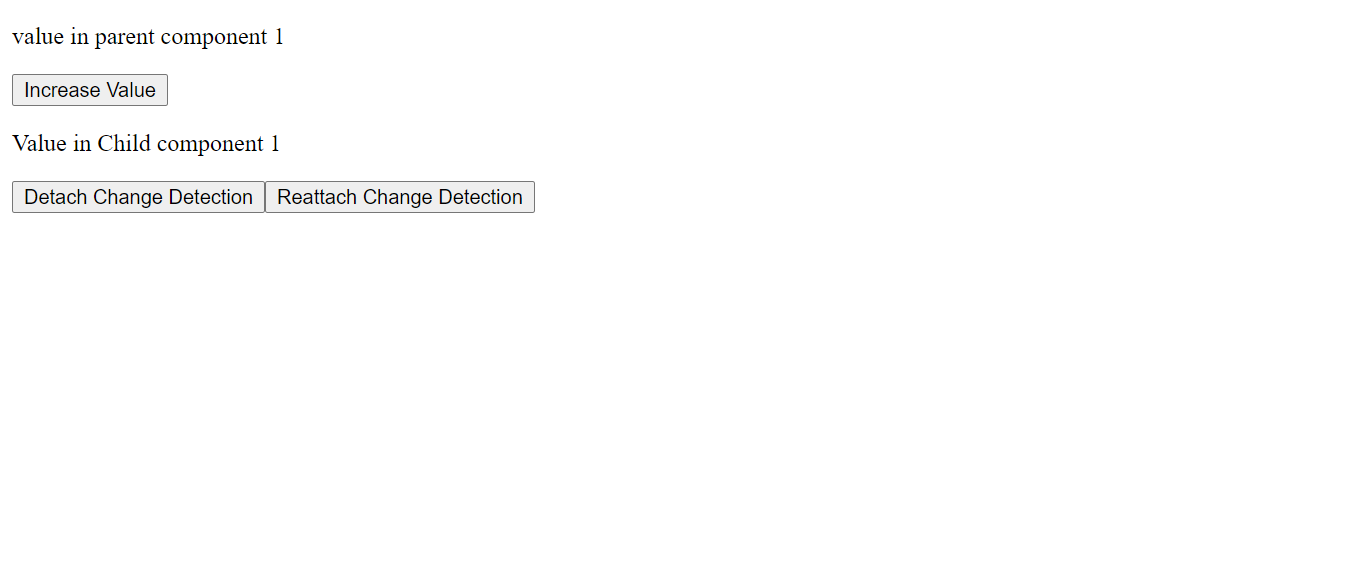
Now if you click on the increase value button you will see value is changing in both components, now click on Detach button and try to increase the value by the button which will cause the value in the parent component to change but not in the child component.
To get the latest value you can click on Reattach button then the angular will perform the change detection and you will see the latest value in both the components.
To experiment with the example you can try in below StackBlitz terminal.
Hope you were able to understand how we can take charge of change detection with help of ChangeDetectorRef.
If you liked it please share it with your friends or if any suggestions reach me out on [Twitter](https://twitter.com/nikhild64) or comment below.
Till next time Happy Learning!
{% stackblitz change-detection-cdr view=preview %}