Observables: A Container for Values Over Time
If you haven't read part 1 of this series, it's worth going back to it first. That article lays out important groundwork about Arrays that will prove useful as we continue.
This piece is about developing a feel for what observables really are—and why they're necessary. Once the underlying idea clicks, the implementation code will feel almost inevitable.
Here's a helpful way to think about observables: they behave like asynchronous arrays. Consider the Array.prototype.forEach method. You hand it a function, and it invokes that function once per element in the array. This all happens synchronously.
const arr = [1,2,3,4,5];

arr.forEach(element => console.log(element));

// 1,2,3,4,5
No surprises there. But let's add some timing complexity. What's happening in this snippet?
const someDomElement = document.getElementById('someDomElement');

const handle = someDomElement.addEventListener('click', (event) => { console.log('got a click event'); });

// assuming the user clicks on someDomElement 5 times, you'll see
// got a click event
// got a click event
// got a click event
// got a click event
// got a click event
A callback is being registered with addEventListener, and it fires each time a click event occurs on the element with the id someDomElement. You could say that the handler gets invoked once per click, in much the same way a forEach callback gets invoked once per array item.
In that sense, addEventListener behaves like a forEach for that DOM element—except it runs asynchronously, triggered by future events.
But the mental picture is nearly the same. What if we had a container that we could compose over just like an array, but one that could handle asynchronous data like events?
As it turns out, we can compose observables with functions like map and filter, just as we did with arrays in part 1.
Let's dig into that comparison a bit more, so we approach the observable implementation with the right mindset.
Say you're building a Netflix clone. The platform is full of movies. Here's a random sample of four titles—strangely, they all happen to be from the 1980s. For simplicity, and because JSON is clunky, let's represent these movies as colored circles.
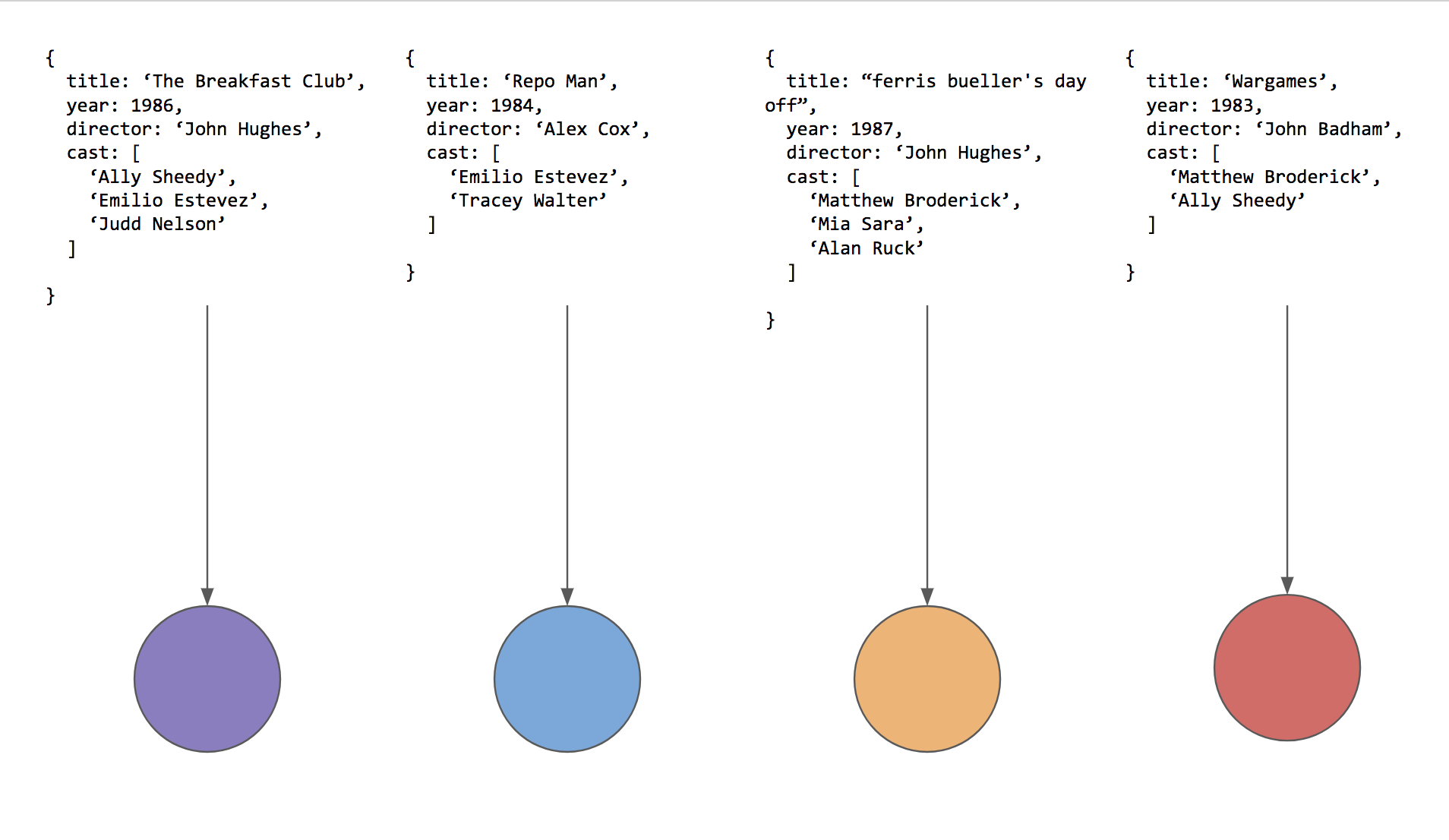
Movies shown as colored circles for the sake of convenience.
Right now, these movies are just data points in the database. There's no connection between them—no meaning, no context.
Now, let's put them somewhere. We'll drop them into an array.
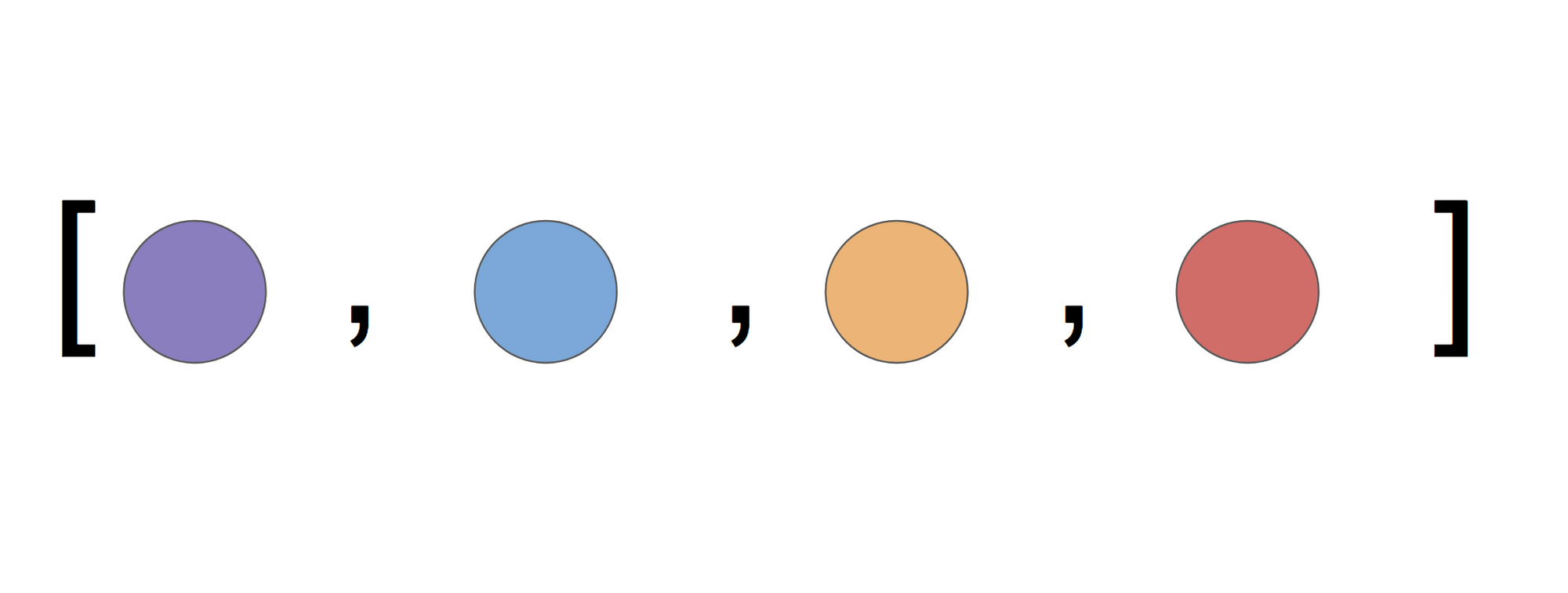
Grouping these movies inside an array gives them a relationship. Maybe they're a user's favorites.
Now we're getting somewhere. That array could represent the movies our fictional user, Mary, has favorited. Or it could be a list of the top four 80s films. Either way, the moment they're inside a container, they carry meaning. Oh, those are Mary's favorite movies!
There's also an engineering advantage to grouping these movies. Since Array.prototype offers methods like map and filter, we can apply operations to the whole collection by composing methods on the container.
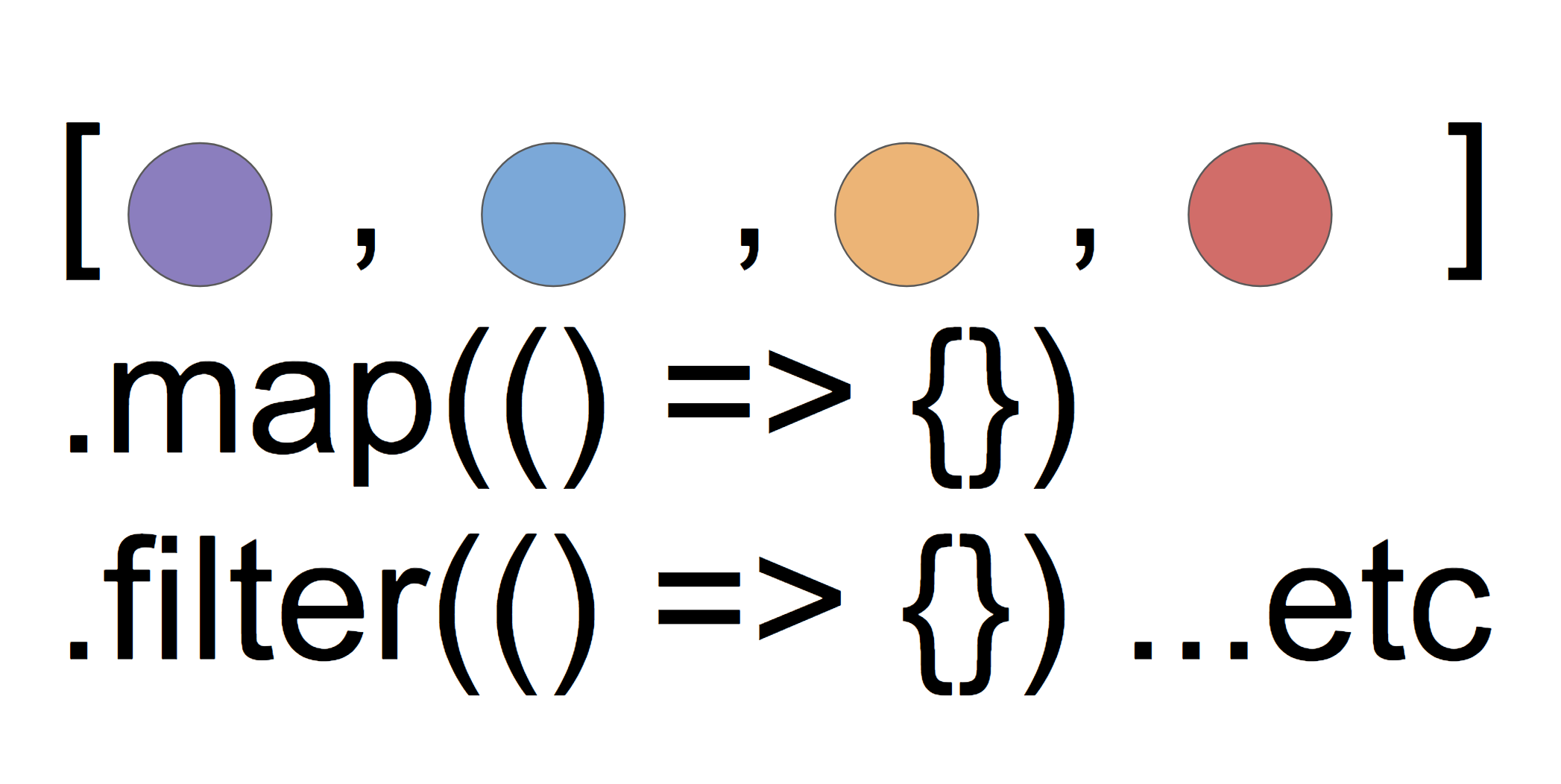
Once movies live inside a collection, we can compose operations like map, filter, and concat.
Need just the titles? Use map. Only interested in movies directed by the late, great John Hughes? filter away.
But what about events? The language never offered us a way to group events! What if we need to fetch those movies one by one via XHR? How do we contain values that show up over time?
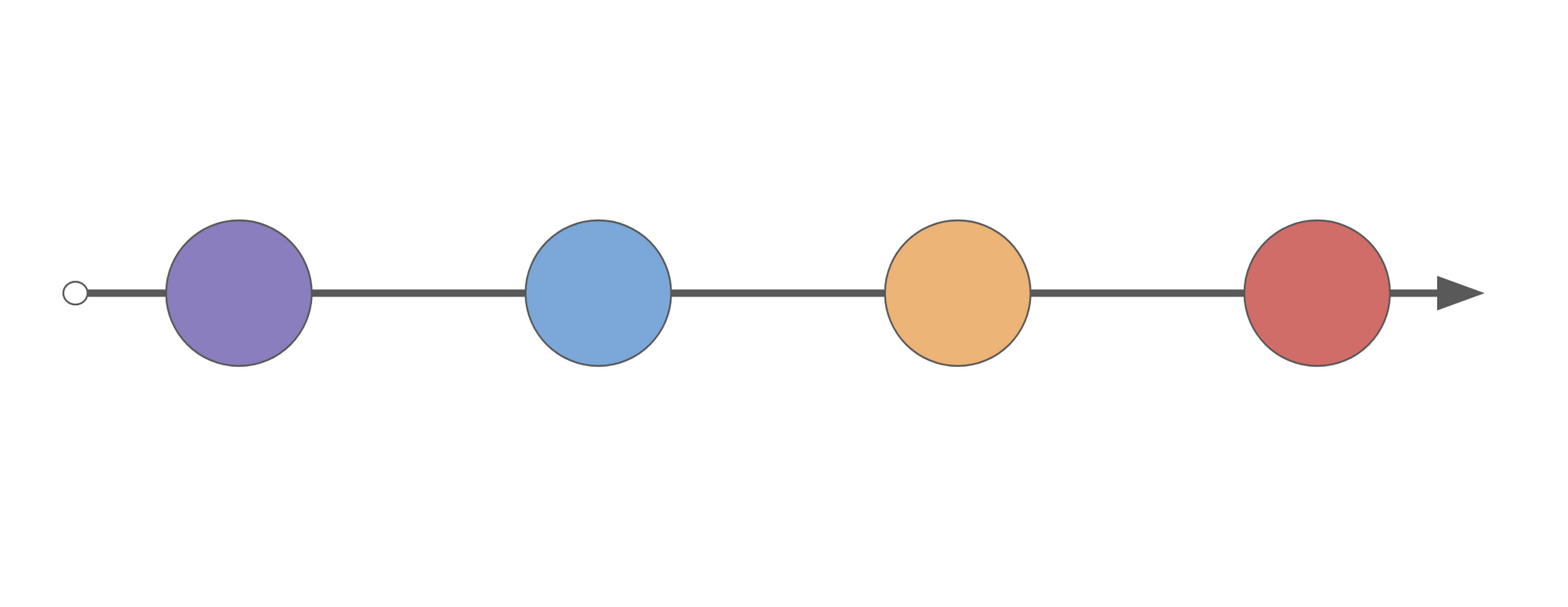
A stream of values arriving over time.
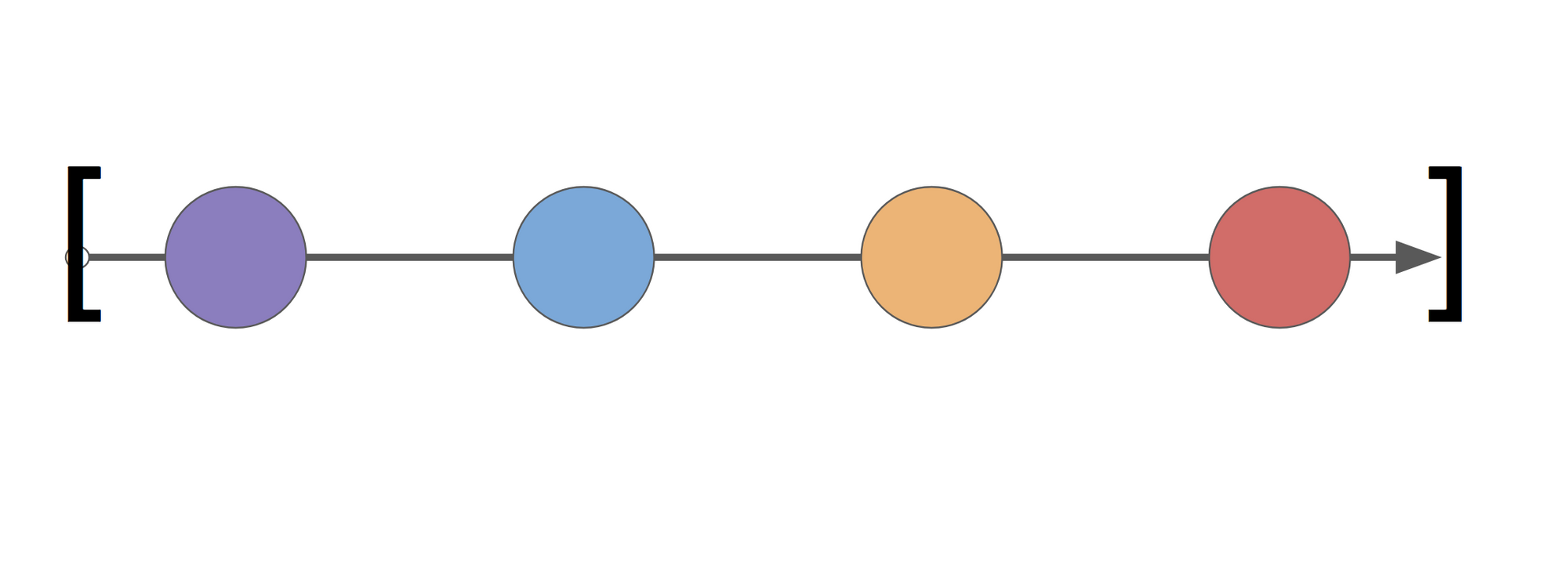
A stream of values arriving over time.
That's precisely what observables are for. This is their core value: they allow us to containerize and compose asynchronous events.
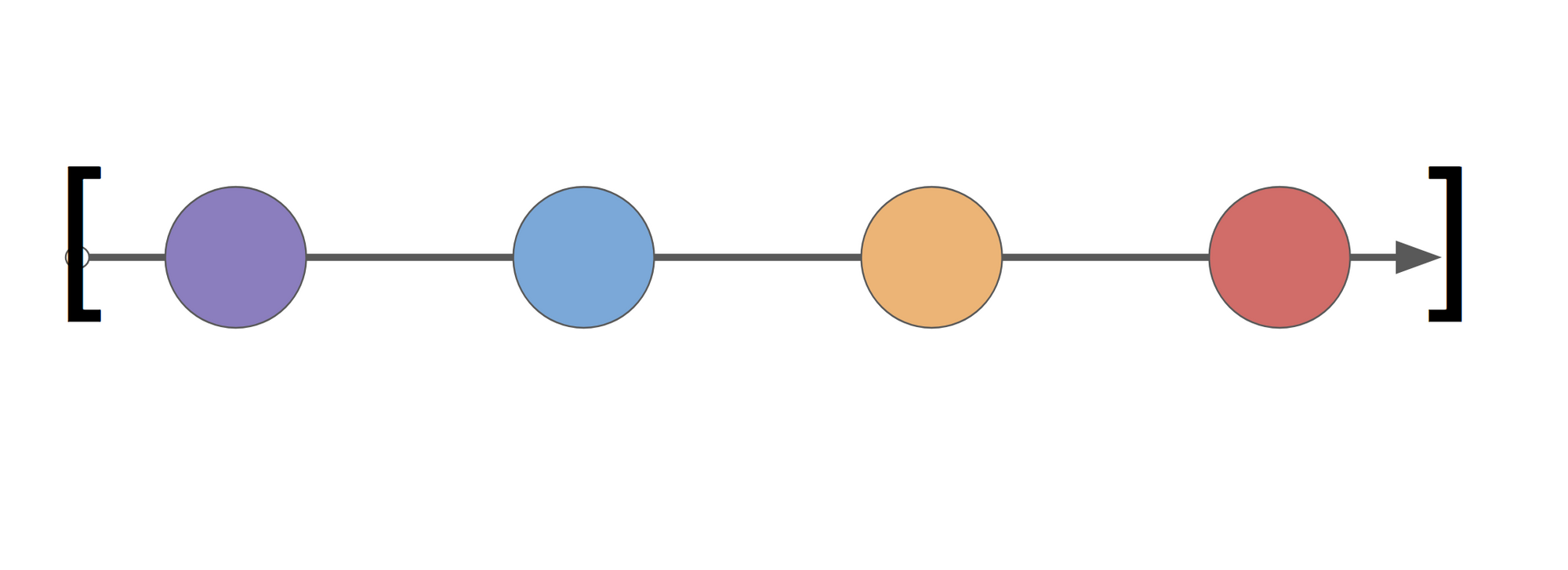
Observables let us wrap an async stream of events—in this case, a user's list of favorited movies.
If the observable represents Mary's favorited videos, it's a perfect fit. She's clicking through the app, favoriting videos left and right. With an observable, we can represent that activity as a stream and keep the UI in sync with her favorites at all times.
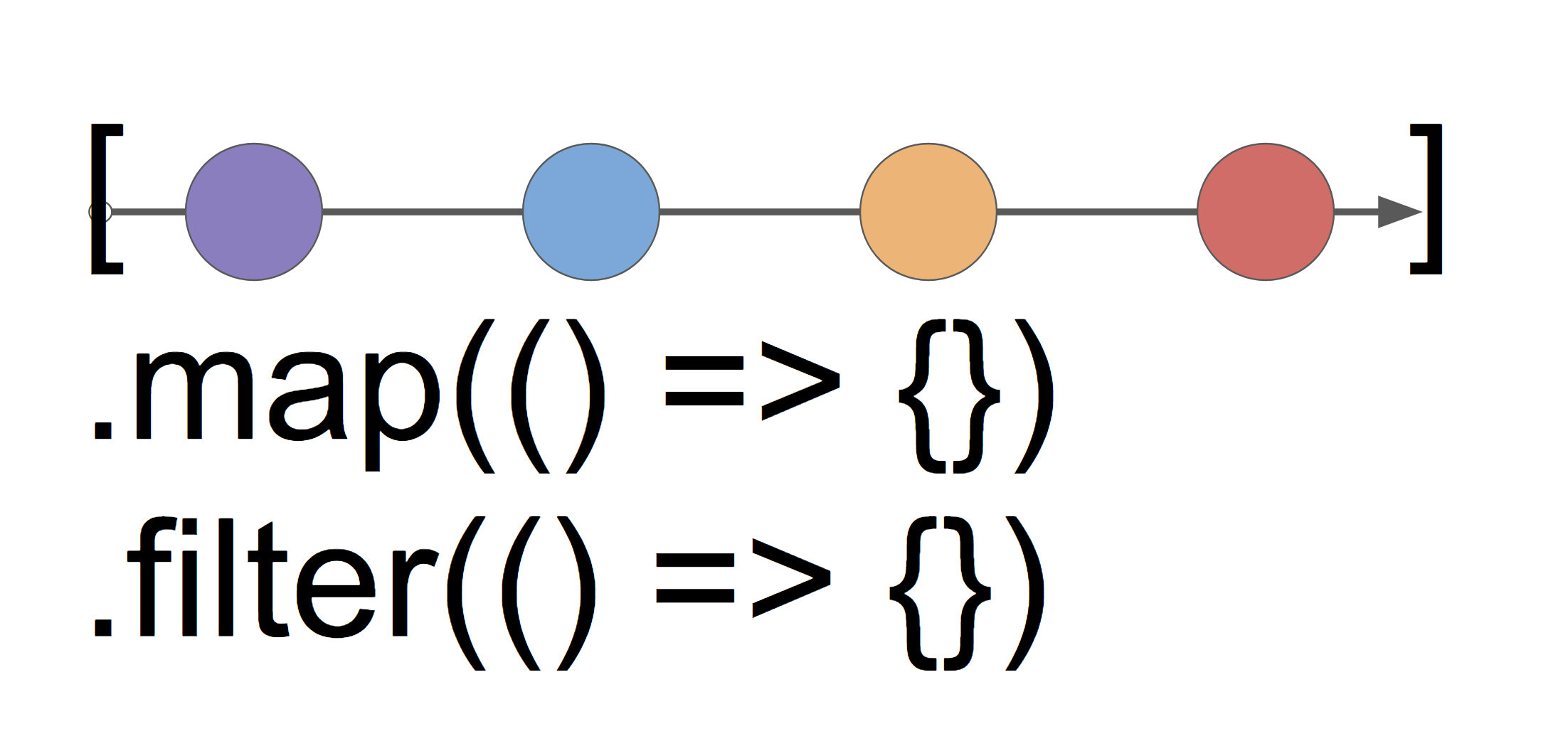
Asynchrony is nothing to fear!
And since observables come bundled with a wide range of operators, we can build complex pipelines over that stream.
If you're not used to composing operations this way, here's a rule of thumb that can help you get comfortable with it, especially when working with arrays.
Skip the loops, whenever possible.
Here's why. Take a look at this code that filters movies by director and then maps the results to names and years:
favoriteMovies.filter(movie => movie.director === "John Hughes")
              .map(movie => ({name: movie.name, year: movie.year}));

// We end up with a container with the values:
// { name: "The Breakfast Club", year: 1986 }
// { name: "Ferris Bueller's Day Off", year: 1987 }
//
Now consider this: is the collection (favoriteMovies) this code works on synchronous or asynchronous?
You can't really tell, can you?
That's exactly the point! Arrays offer map and filter, and I just mentioned observables do too. Sure, if I included this line:
const favoriteMovies = [{}...{}];
...you'd instantly know this operates over a synchronous array. But just by looking at the pipeline itself—a filter, then a map—you have zero insight into how it's implemented. All you know is that a container is being filtered, then mapped. It could be sync or async. That's the payoff of writing declarative code instead of imperative code.
Now look at the alternative:
let favoriteMovies = [
  { title: ‘The Breakfast Club’, year: 1986, director: ‘John Hughes’,
  cast: [ ‘Ally Sheedy’, ‘Emilio Estevez’, ‘Judd Nelson’]
  },
  { title: “ferris buellers day off”, year: 1987, director: ‘John Hughes’,
  cast: [ ‘Matthew Broderick’, ‘Mia Sara’, ‘Alan Ruck’]
  },
  { title: ‘Wargames’, year: 1983, director: ‘John Badham’,
  cast: [ ‘Matthew Broderick’,‘Ally Sheedy’]
  }
];

let filteredAndMappedArray = [];

for (let i = 0; i < favoriteMovies.length; i++) {
  if (favoriteMovies[i].director === "John Hughes") {
    let mapped = {
      name: favoriteMovies[i].name,
      year: favoriteMovies[i].year
    };

    filteredAndMappedArray.push(mapped);
  }
}

// We end up with a (very synchronous) container with the values:
// { name: "The Breakfast Club", year: 1986 }
// { name: "Ferris Bueller's Day Off", year: 1987 }
// ...but we could've done better :)
No big surprise there! Loops are the most imperative construct you can use, and they're deeply tied to synchronous programming. You cannot reason about loops at a high level, since you'll always be stuck in the weeds of iteration details.
As we'll see, observables free us from exactly that burden when dealing with async data.
Wrapping Up
- Containers like arrays and observables make it easier to compose operations like
mapandfilter - By choosing a declarative, composable style over imperative loops, we separate ourselves from implementation details
In the next installment, we'll examine the Observer pattern as used in RxJS, then start building creational methods for our observable class.