Grasp the fundamental ideas behind contemporary Angular Forms. Discover how to build Signal Forms, connect them in templates, leverage both built-in and custom validators, manage cross-field validation, submit forms, and much more.

Kevin Kreuzer
@nivekcode
Feb 14, 2026
12 min read
Angular 21 delivered a wave of innovations, yet one feature grabbed everyone's attention: Angular Signal Forms.
Have you spent years with Reactive Forms, quietly hoping they'd catch up with the modern Angular vibe? Well, this is that moment.
During the Angular Renaissance, Signals were introduced as a fresh reactive primitive, and they now fuel cutting-edge Angular APIs, such as:
- Component inputs
- Queries (
viewChild,viewChildren,contentChild,contentChildren) - Resource APIs
- And now... Forms
Most apps lean on forms as their foundation. They capture user input, guide business flows, and typically house intricate validation rules. Yet, up until now, neither Reactive Forms nor Template-Driven Forms meshed smoothly with Signals.
Signal Forms flip that script. And honestly? They're an absolute joy to work with.
This guide covers the basics plus all the essentials to hit the ground running.
1️⃣ It All Starts With the Form Model
Any form kicks off with a form model—a TypeScript interface outlining how your form is shaped.
Here's a simple conference creation form to illustrate:
export interface ConferenceFormDate {
  start: Date;
  end: Date;
}

export interface ConferenceFormModel {
  name: string;
  date: ConferenceFormDate;
  online: boolean;
  url: string;
  location: string;
  description: string;
}
The approach up to this point is fairly standard. However, the real change is introduced here. Rather than instantiating a FormGroup, we set up a signal that adheres to the ConferenceFormModel interface.
conferenceFormModel = signal<ConferenceFormModel>({
  name: '',
  date: {
    start: new Date(),
    end: new Date(),
  },
  online: false,
  url: '',
  location: '',
  description: '',
});
Important: The model for the form needs to be a writable signal.
Angular'ssignal()function produces a writable signal. Yet there are situations where you may end up with a readonly signal, such as when pulling state from NgRx withselectSignal(), as the resulting signal isn’t writable. To make it writable, you can uselinkedSignal().
2️⃣ Building the Signal Form Definition
Let’s create the concrete form instance:
conferenceForm = form(conferenceFormModel);
And with that, you've got yourself a Signal Form.
However, here's the crucial mindset change:
- With Reactive Forms, the
FormGroupis in charge of the state. - With Signal Forms, your signal takes charge of the state.
The form itself acts as nothing more than a structured layer over your signal.
- Update the signal → the form follows.
- Update the form → the signal follows.
The two remain perfectly aligned. No data duplication, no hidden state, no conflicting authorities. On its own, this already makes the overall architecture feel much tidier.
3️⃣ Connecting Everything in the Template
For binding your fields, Angular introduces a fresh formField directive:
<input matInput [formField]="conferenceForm.name" />
Nested fields? Just access them:
<input
  matInput
  [matDatepicker]="startPicker"
  [formField]="conferenceForm.date.start"
/>
It's clean. It's typed. It's straightforward. And here's the part that's sure to win you over:
The directive comes with strict typing built in. Attempt to bind a numeric field to a text input that expects a string, and TypeScript will raise an error.
Forms that work with you instead of pushing back? Absolutely.
4️⃣ How to Retrieve the Value
Here's how you get the complete form value:
conferenceForm().value();
Keep in mind: the form itself is a signal, just like its value — that's precisely why we call both conferenceForm and value as functions.
5️⃣ Validation - Built-in Validators
As it stands, our form will nod along to whatever the user inputs. Which sounds... welcoming. But in practice, that's rarely the desired behavior.
Real-world forms are seldom that lenient. Honestly, I can't recall a single production form I've built that escaped without some validation — be it mandatory fields, format checks, cross-field logic, or business-level rules.
Mistyped inputs happen. Fields are skipped. Dates mismatch. Emails come out malformed. And sometimes, business requirements are stricter than we'd prefer. So how do we introduce validation into our Signal Forms?
The form() function takes a schema definition as the second parameter:
conferenceForm = form(
  conferenceFormModel,
  (path: SchemaPath<ConferenceFormModel>) => {
    required(path.name);
  }
);
The schema function gets a SchemaPath that is bound to your model’s type. As a result, path.name—and every other property—is fully typed.
To hook up a validator, we navigate with the schemaPath to the specific field that needs validation.
Essentially, schemaPath acts like a type-safe blueprint of your form model. It matches your interface’s shape, enabling safe, expressive access to any nested field.
For instance, applying the required validator to the conference name is as simple as moving to the name field through schemaPath.name and placing the validator there.
required(schemaPath.name);
The framework ships with a set of built-in validators:
required(path)min(path, minValue)max(path, maxValue)minLength(path, length)maxLength(path, length)pattern(path, regex)email(path)
A config object carrying a custom message can be passed to any of these validators as well.
required(path.name, {
  message: 'Please enter a conference name.',
});
After it's set up, the template below can be used to display any validation errors:
@for (error of conferenceForm.name().errors(); track $index) {
  <mat-error>{{ error.message }}</mat-error>
}
The mat-error component takes care of the touched and dirty states on its own. Error messages become visible only once the user has engaged with the field — behavior that matches what production forms should look like.
There’s no need for manual inspections, extra @if blocks, or repetitive boilerplate.
6️⃣ Custom Validators - When It Gets Intriguing
Out-of-the-box validators are useful, but most real projects won’t stop there. Eventually you’ll need domain-specific rules.
- Must start with an uppercase letter.
- Username must be unique.
- Password cannot be identical to a previous one.
This is the point where Signal Forms genuinely shine.
Custom validation relies on the validate() function — and writing your own validators has never been this uncomplicated.
validate(path.name, (ctx) => {
  const value = ctx.value();
  const isValid = /^[A-Z]/.test(value);

  if (isValid) return null;
  return {
    kind: 'uppercase',
    message: 'The value must start with an uppercase letter',
  };
});
Your validator's return type is simple:
null→ the field is valid{ kind, message }→ the field is invalid
The standout feature, though, is that the ctx parameter exposes far richer data than just the field's current value.
This is what you can reach:
ctx.value()– gets the current field's valuectx.valueOf(path)– gets the value from a different fieldctx.state()– yields the touched/dirty statusctx.stateOf(path)– yields the status from a different field
You're not limited to a tiny scope — you get complete form visibility. Moreover, validators are plain functions, which means they're trivial to extract and share across your app:
export function mustStartWithUpperCase(path: SchemaPath<string>) {
  validate(path, (ctx) => {
    const value = ctx.value();
    const isValid = /^[A-Z]/.test(value);

    if (isValid) return null;
    return {
      kind: 'uppercase',
      message: 'The value must start with an uppercase letter',
    };
  });
}
Then use it inside your schema:
form(conferenceFormModel, (path) => {
  mustStartWithUpperCase(path.name);
});
Neat. Modular. Reliable.
7️⃣ Cross-Field Validation - Here's Where It Shines
Cross-field validation was a real headache before—let's dig into that.
Picture checking a date range.
export function startDateMustBeBeforeEndDate(
  path: SchemaPath<ConferenceFormDate>
) {
  validate(path, (ctx) => {
    const startDate = ctx.fieldTree.start().value();
    const endDate = ctx.fieldTree.end().value();

    if (!startDate || !endDate) {
      return null;
    }

    const start = new Date(startDate).setHours(0, 0, 0, 0);
    const end = new Date(endDate).setHours(0, 0, 0, 0);

    if (end >= start) {
      return null;
    }

    return {
      kind: 'invalid_date_range',
      message: 'End date must be the same as or after the start date.',
    };
  });
}
The real beauty lies here: validators operate within a reactive context. Angular tracks each signal that gets read. Consequently, when your validator accesses the value of startDate or the value of endDate, it re-executes automatically the moment either one changes.
- Zero subscriptions.
- Zero
valueChanges. - Zero manual
updateValueAndValidity()calls.
Now, contrast this with what Reactive Forms require:
this.form.get('startDate').valueChanges.subscribe(() => {
  this.form.get('endDate').updateValueAndValidity();
});
All that boilerplate? Eliminated.
Signal Forms respond to whatever you inspect. And after you try that, validating across fields starts to feel... effortless.
8️⃣ Form Submission (Major Improvement)
Signal Forms bring in a fresh submit() function that takes care of the tedious steps on your behalf.
async function onSubmit() {
  await submit(conferenceForm, async (form) => {
    const response = await api.save(form().value());

    if (response.error) {
      return {
        kind: 'server',
        message: response.error,
      };
    }
    return undefined;
  });
}
Here is what happens automatically when you call submit():
- Every field gets flagged as touched
- The process stops if the form is invalid, so your callback only runs when all fields pass validation
- The
submitting()signal is updated totrue - Your asynchronous handler gets invoked
- Errors returned by the server are mapped to the form
- The
submitting()signal is set back to false
Angular ships with a handy submitting state that simplifies disabling the submit button during the submission process:
<button [disabled]="conferenceForm().submitting()">
  {{ conferenceForm().submitting() ? 'Sending...' : 'Submit' }}
</button>
There is no need to manually verify form validity with flags.
9️⃣ Resetting the Form
Simply invoke the reset method on the form to clear the interaction state:
conferenceForm().reset();
This action leaves the values untouched, yet restores the states like touched, dirty, and pristine. In the prior demo the entire form was reset, but resetting just one field is equally possible:
conferenceForm.name().reset();
When you need to return the form to its original state—for instance, making every field empty again—you can supply a state to the reset function.
conferenceForm().reset(conferenceFormInitialState);
It is frequently useful to return a form to its starting point, so storing the original state separately is a solid approach:
export const conferenceFormInitialState: ConferenceFormModel = {
  name: '',
  date: {
    start: new Date(),
    end: new Date(),
  },
  online: false,
  url: '',
  location: '',
  description: '',
};
Final Thoughts - Why Signal Forms Matter
Signal Forms go beyond being merely another API.
They mark a transition in how forms connect with Angular's reactive foundation:
- The signal holds the state
- Validation runs reactively on its own
- Cross-field logic flows intuitively
- Submission becomes more efficient
- Complete type safety is maintained
- Repetitive code vanishes
Personally, I'm a huge advocate of the new Signal Forms API—and believe me, after you've tackled a complex form using Signal Forms, switching back to class-based Reactive Forms feels... cumbersome.
The Signal age has arrived.
Are you enjoying the look of the code preview? Check out our brand-new theme plugin
Skol - the ultimate IDE theme

Aurora-inspired colors delivered right into your editor. This sleek, dark theme is both easy on the eyes and highly functional.
Create more intelligent interfaces with Angular + AI
Learn Angular Development with AI

A step-by-step course on bringing AI into Angular development with Hash Brown, enabling intelligent and responsive user interfaces.
Master streaming chat, function invocation, generative UI, structured outputs, and other advanced topics sequentially.
Interested in a clear breakdown of Angular Signal Forms structure, validation strategies, and transition workflows?
Angular Signal Forms Guide

Adopt a model-first strategy to craft typed, validated Angular forms that are ready for production using signals.
Explore schema-based validation, signal-driven form states, custom controls, migrating from Reactive Forms, and straightforward API mapping techniques.
Enjoying this content and eager to get hands-on with Angular’s cutting-edge Signal Forms?
Angular Signal Forms: Comprehensive Practical Course

Angular's fresh Signal-Forms are explored across 12 incrementally advancing chapters, blending conceptual principles with practical exercises.
Dive into core form concepts, validation logic, bespoke controls, nested form components, step-by-step upgrade paths, and beyond.

Get notified
about new blog posts
Subscribe to Angular Experts Content Updates & News, and we’ll let you know every time a fresh blog post lands on topics like Angular, Ngrx, RxJs, or other exciting Frontend subjects!
Your email stays private—we’ll never share it with anyone, and you can opt out whenever you like!
Responses & comments
Feel free to ask anything and share your own thoughts or experiences related to this subject
You might also like
Browse these other blog posts from Angular Experts to dive deeper into related areas such as Modern Angular !
Angular Signal Forms: Custom Controls Without ControlValueAccessor
Build reusable Angular custom controls with FormValueControl, model(), touch events, and schema-driven validation—without writing a ControlValueAccessor.
Kevin Kreuzer
@nivekcode
Aug 12, 2026
7 min read
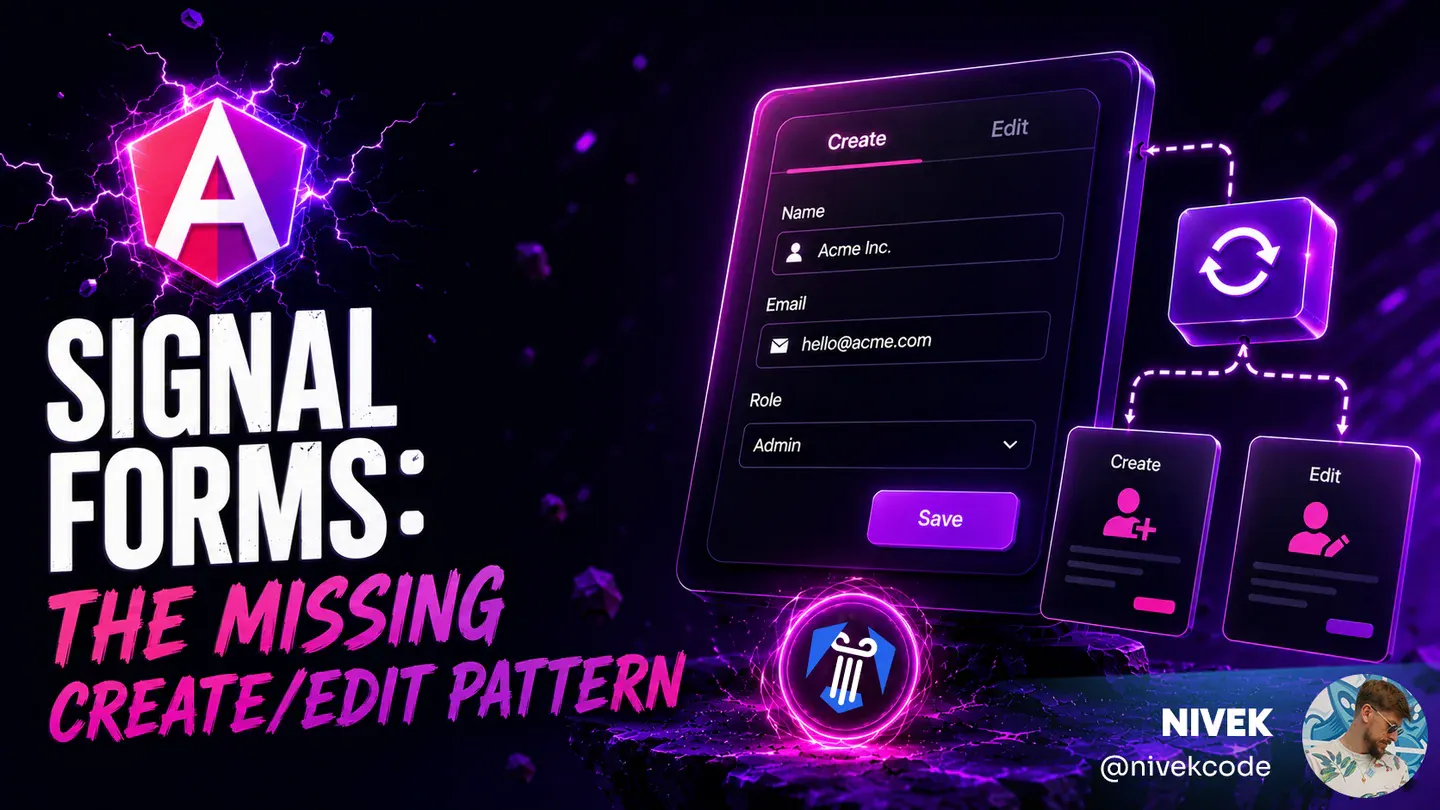
Angular Signal Forms: The Missing Create/Edit Pattern
Learn a practical Angular Signal Forms pattern for create and edit flows, with route-based mode, edit data loading, linkedSignal prefilling, submit branching, and validation context.
Kevin Kreuzer
@nivekcode
Aug 1, 2026
6 min read
Angular Signal Forms Config
Learn how to configure Angular Signal Forms to bring back the classic CSS state classes (like ng-valid, ng-invalid, and ng-touched)—either for backward compatibility with existing styles or to unlock new customization, like emitting your own tailored state classes for advanced styling.
Kevin Kreuzer
@nivekcode
Jan 24, 2026
4 min read
Leverage our deep know-how to take your team further
Our team at Angular Experts has logged countless hours working with both corporate clients and young ventures, running instructional sessions and creating widely used tools that are free to the community. That background in modern web development is something we are genuinely proud of, and we look forward to using it to drive your success