The 14.3 release of our CLI plugin @angular-architects/module-federation brings Angular 14 compatibility along with a sleeker configuration approach for Module Federation. In addition, we've added support for eager and pinned dependencies. Here are the key takeaways. 📂 Source Code
Moving to 14.3
The library is compatible with ng update:
ng update @angular-architects/module-federationFor manual upgrades, such as via npm install, remember to also install a matching ngx-build-plus version (14 for Angular 14, 13 for Angular 13, and so on).
A Cleaner Configuration Path
While we've relied on customer-specific helper methods for some time now, 14.3 introduces an official one: withModuleFederationPlugin. This helper only needs the configuration data that people typically adjust. Legacy configurations remain functional, but adopting the more concise style with withModuleFederationPlugin is recommended. The refreshed init schematic and ng add automatically adopt this style when the --type flag is set to host, dynamic-host, or remote:
ng add @angular-architects/module-federation --project mfe1 --port 4201 --type remoteFor Nx users, the approach is to use npm install combined with the init schematic:
npm i @angular-architects/module-federation -D
 ng g @angular-architects/module-federation:init --project mfe1 --port 4201 --type remote
Here's a sample remote configuration using the new streamlined format:
const { shareAll, withModuleFederationPlugin } = require('@angular-architects/module-federation/webpack');

 // Version 14
 module.exports = withModuleFederationPlugin({

   name: 'mfe1',

   exposes: {
     './Module': './projects/mfe1/src/app/flights/flights.module.ts',
   },

   shared: {
     ...shareAll({ singleton: true, strictVersion: true, requiredVersion: 'auto' }),
   },

 });
In version 13, the equivalent configuration looked like this:
// Version 13
 const ModuleFederationPlugin = require("webpack/lib/container/ModuleFederationPlugin");
 const mf = require("@angular-architects/module-federation/webpack");
 const path = require("path");

 const share = mf.share;

 const sharedMappings = new mf.SharedMappings();
 sharedMappings.register(
   path.join(__dirname, '../../tsconfig.json'),
   ['auth-lib']
 );

 module.exports = {
   output: {
     uniqueName: "mfe1",
     publicPath: "auto"
   },
   optimization: {
     runtimeChunk: false
   },
   resolve: {
     alias: {
       ...sharedMappings.getAliases(),
     }
   },
   experiments: {
     outputModule: true
   },
   plugins: [
     new ModuleFederationPlugin({
         library: { type: "module" },

         // For remotes (please adjust)
         name: "mfe1",
         filename: "remoteEntry.js",  // 2-3K w/ Meta Data
         exposes: {
             './Module': './projects/mfe1/src/app/flights/flights.module.ts',
         },
         shared: share({
           "@angular/core": { singleton: true, strictVersion: true, requiredVersion: 'auto' },
           "@angular/common": { singleton: true, strictVersion: true, requiredVersion: 'auto' },
           "@angular/router": { singleton: true, strictVersion: true, requiredVersion: 'auto' },
           "@angular/common/http": { singleton: true, strictVersion: true, requiredVersion: 'auto' },

           // Uncomment for sharing lib of an Angular CLI or Nx workspace
           ...sharedMappings.getDescriptors()
         })

     }),
     // Uncomment for sharing lib of an Angular CLI or Nx workspace
     sharedMappings.getPlugin(),
   ],
 };
The configuration you pass is a superset of what webpack's ModuleFederationPlugin accepts, enriched with some sensible defaults. This allows users to apply their existing knowledge. Those defaults are:
library: { type: "module" }: Required for Angular >= 13, since CLI 13 began emitting actual EcmaScript modules instead of standard JavaScript bundles.filename: 'remoteEntry.js': Ensures Module Federation generates aremoteEntry.jsfile containing the remote entry point.share: shareAll(...): With this, all packages listed under dependencies in yourpackage.jsonare shared by default (see the notes below).sharedMappings: Should you omit thesharedMappingsarray, every local library (i.e., monorepo-internal libs or mapped paths) gets shared. If you provide a list, only those libraries are shared. This replaces theSharedMappingsclass from the legacy configuration, though it's still utilized behind the scenes.
Notes on shareAll
As noted, withModuleFederationPlugin defaults to shareAll. This facilitates a fast, "just works" initial setup. However, it could produce an over-abundance of shared bundles. Because shared dependencies can't undergo tree shaking and commonly end up in separate, loadable bundles, you might prefer to refine this by swapping shareAll for the share helper:
// Import share instead of shareAll:
 const { share, withModuleFederationPlugin } = require('@angular-architects/module-federation/webpack');

 module.exports = withModuleFederationPlugin({

     // Explicitly share packages:
     shared: share({
         "@angular/core": { singleton: true, strictVersion: true, requiredVersion: 'auto' },
         "@angular/common": { singleton: true, strictVersion: true, requiredVersion: 'auto' },
         "@angular/common/http": { singleton: true, strictVersion: true, requiredVersion: 'auto' },
         "@angular/router": { singleton: true, strictVersion: true, requiredVersion: 'auto' },
     }),

     // Explicitly share mono-repo libs:
     sharedMappings: ['auth-lib'],

 });
Eager and Pinned Dependencies
Special thanks to Michael Egger-Zikes for devising these solutions.
Module Federation lets you include shared dependencies directly within your app's bundles. This removes the need to fetch an extra bundle for each shared dependency, which can be a boon for startup performance when numerous shared dependencies are involved. A practical tip for faster startup is to enable eager with true—but only for the host. Remotes loaded afterward can then reuse these eager dependencies, even though they were shipped in the host's bundle, such as its main.js. This is most effective when the host carries the highest compatible versions of shared dependencies. It also negates the need to load remote entry points upfront. Although the eager flag has been a staple of Module Federation since its inception, we needed to tweak the webpack configuration produced by the Angular CLI to prevent code duplication in the generated bundles. The new withModuleFederationPlugin helper, which underpins the streamlined setup, handles this by default. Simply set eager to true in the config.
module.exports = withModuleFederationPlugin({

   shared: {
     ...shareAll({ singleton: true, eager: true, pinned: true, strictVersion: true, requiredVersion: 'auto' }),
   },

 });
The preceding example also showcases a new property we've introduced: pinned. This ensures a shared dependency is bundled with the application (e.g., the host), even if it's not directly used there. This proves handy for preloading dependencies required by subsequently loaded micro frontends, all within a single bundle.
Dynamic Configuration and "Registry" Services
This functionality draws inspiration from Nx, which we frequently pair with Module Federation. It revolves around helper functions for loading a configuration file that holds the Micro Frontend's URLs and remote entry points:
{
     "mfe1": "http://localhost:4201/remoteEntry.js"
 }
We've adopted the term that Nx uses and refer to this as the Module Federation Manifest. A new helper function, loadManifest, is designed to fetch this manifest:
import { loadManifest } from '@angular-architects/module-federation';

 loadManifest('assets/mf.manifest.json')
     .catch(err => console.error('Error loading remote entries', err))
     .then(() => import('./bootstrap'))
     .catch(err => console.error(err));
By default, loadManifest also fetches all remote entry points. Alternatively, a second optional parameter, skipRemoteEntries, can be set to true to turn off this behavior:
loadManifest('assets/mf.manifest.json', true)Accessing a remote outlined in the manifest is done as follows:
{
     path: 'flights',
     loadChildren: () =>
         loadRemoteModule({
             type: 'manifest',
             remoteName: 'mfe1',
             exposedModule: './Module'
         })
         .then(m => m.FlightsModule)
 },
The
ng addcommand discussed earlier includes a--type dynamic-hostoption. This triggersng addto generate themf.manifest.jsonand insert theloadManifestcall intomain.ts.
Secondary Entry Points Added Automatically
Since version 14.3, our share helpers (share, shareAll) now include secondary entry points by default. For instance, sharing @angular/common also shares @angular/common/http. This behavior, once an opt-in, is now the default. To disable or customize it, the includeSecondaries flag in our share helpers comes into play. The example below illustrates turning this feature off:
shared: share({
     "@angular/common": {
         singleton: true,
         strictVersion: true,
         requiredVersion: 'auto',
         includeSecondaries: false
     },
     [...]
 })
You could also activate it with a list of libraries to exclude:
shared: share({
     "@angular/common": {
         singleton: true,
         strictVersion: true,
         requiredVersion: 'auto',
         includeSecondaries: {
             skip: ['@angular/common/http/testing']
         }
     },
     [...]
 })
While pruning libraries reduces the number of bundles generated, it doesn't automatically increase runtime overhead, because Module Federation only loads the dependencies that are actually required.
Secondary Entry Points and Angular Package Format 14
Prior to Angular 14, we had to manually scan the node_modules folders of shared dependencies to find secondary entry points. Fortunately, Angular Package Format 14 mandates that every Angular library declare its secondary entry points within its own package.json. The CLI's ng-packagr has also been updated accordingly. Since version 14.3, we leverage this metadata to efficiently identify secondaries. If this metadata is absent, we fall back to probing the node_modules folder as before.
run:all With Parameters
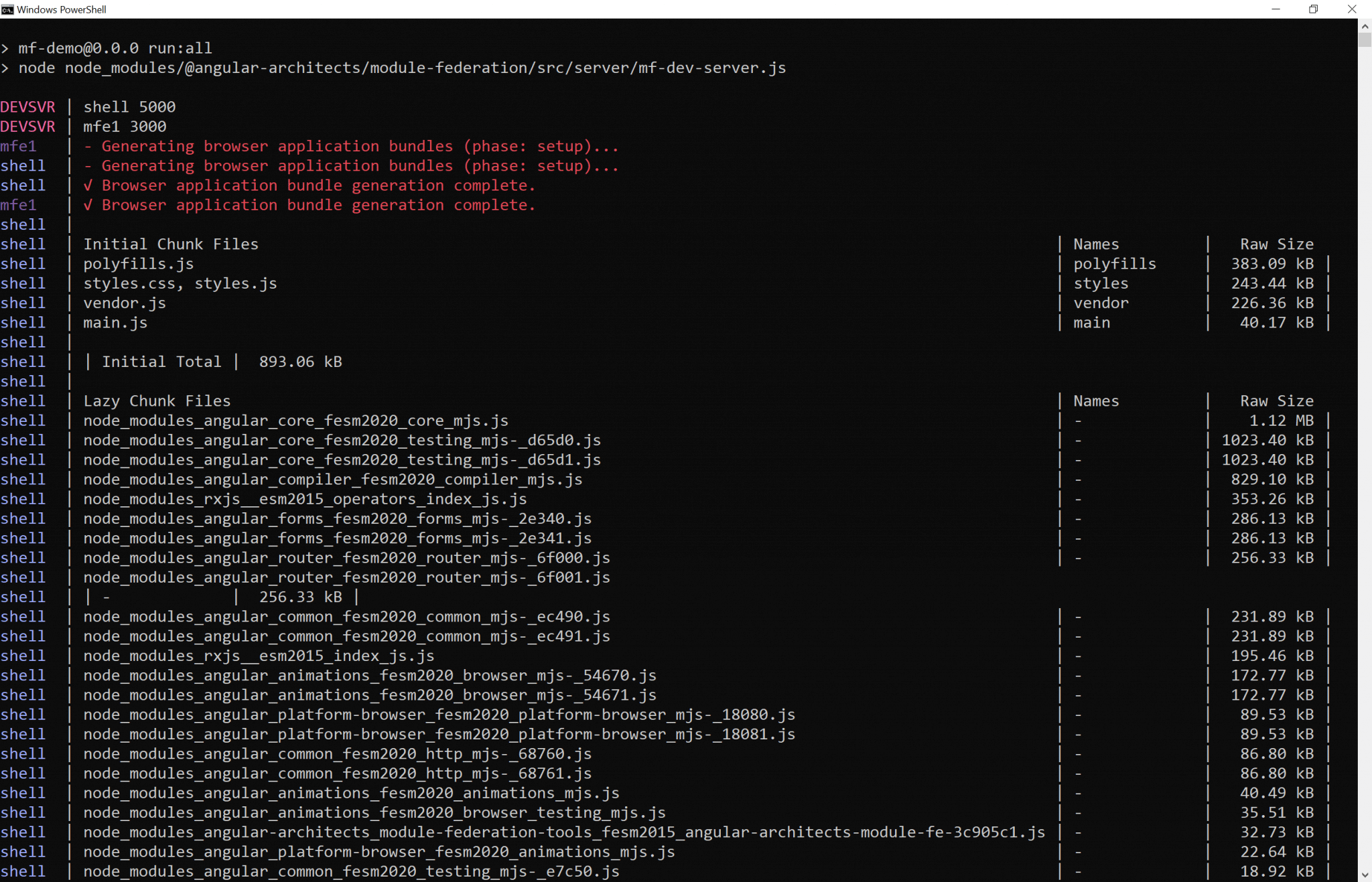
Our last item is relatively minor. For several versions, the init and ng-add schematics have included an npm script called run:all that launches every app in the repository. Now, you can add app names as command-line arguments to specify which ones to run. If none are specified, all apps still start. One caveat: End-2-End test projects are always excluded.
 ## What's Next? Delving into Architecture!
This post has covered several new capabilities of the Module Federation plugin. Yet, when dealing with Module Federation, Micro Frontends, and expansive architectures, deeper questions surface, such as:
- What criteria should guide the breakdown of a large application into sub-domains?
- How do we guarantee the solution remains maintainable for years, or even decades?
- What Micro Frontend options does Module Federation afford?
Our complimentary eBook, roughly 120 pages, addresses these topics and beyond:  Feel free to download it here now!