From LAMP to JAM
Let’s trace the evolution of popular web architectures leading up to the JAMstack.
The LAMP stack was a staple for many years:
- L: Linux
- A: Apache
- M: MySQL
- P: PHP
This setup involved provisioning a server and installing each of these four components. The downside was the ongoing upkeep: applying patches, managing OS updates, and often configuring logging or alerting systems that could become a source of constant maintenance friction.
Next came the MEAN stack:
- M: MongoDB
- E: Express.js
- A: Angular
- N: Node.js
This was an improvement as the individual technologies were more lightweight. Notably, the MEAN stack is almost entirely JavaScript (MongoDB being the exception). This unified language made development smoother and could demand fewer resources than a LAMP implementation. However, you still typically needed a server for both the frontend and backend, along with a running MongoDB instance.
This brings us to the JAMstack, where the core components are defined as follows:
- JavaScript (J): All dynamic programming during the request/response cycle is handled by JavaScript running entirely on the client (e.g., Vue.js, React.js).
- APIs (A): Server-side processes and database actions are abstracted into reusable APIs accessed over HTTP with JavaScript (e.g., Twilio, Stripe).
- Markup (M): Templated markup is prebuilt at deploy time, typically using a site generator for content sites or a build tool for web applications (e.g., Gatsby.js, Webpack).
The JAMstack allows you to leverage the benefits of JavaScript and lighter frameworks without the operational overhead. The architecture lets developers concentrate on writing code instead of managing servers and hosting infrastructure.
After listening to John Papa and reading Astasia’s article, I came to realize I had been building JAMstack apps for the past year using Firebase.
Firebase enables app development without the traditional split between backend and frontend management. While you could construct a conventional architecture with Firebase’s offerings, its built-in APIs for authentication, databases, file storage, and hosting significantly streamline the development process.
I’ve written extensively about Firebase, and I recommend the following two articles from Angular-In-Depth:
- How the AngularFire Library makes Firebase feel like Magic
- The Angular DevOps Series: Deploying to Firebase with CircleCI
The Overwatch-Challenge: A JAMstack Example
Now that I’ve covered the basics, let’s look at a practical example.
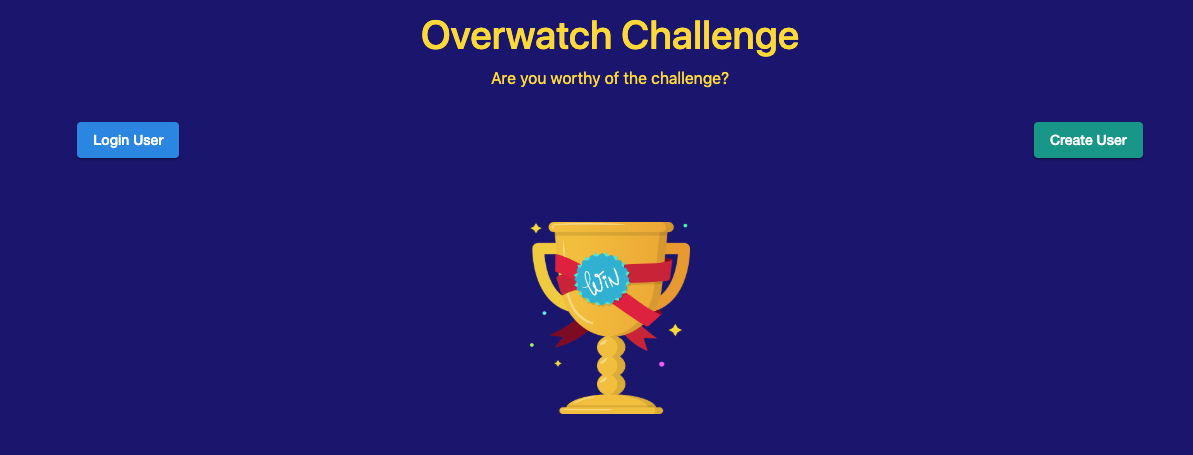
I recently developed an Angular application called The Overwatch-Challenge. It’s open source, and you can view the code on GitHub. The name was inspired by the internal name of a dev team I work with, and it seemed fitting for this project.
The app serves as a learning platform. My goal was to coordinate collaboration and sharing among my team, so I built this application:
- It scores users based on learning activities they log each week.
- Weekly winners are recognized, followed by an impromptu meeting to showcase what was learned.
- The app includes Slack integration and uses Zoom for the meetings.
- Users include a hyperlink when recording learning activities, so the items can be reviewed later.
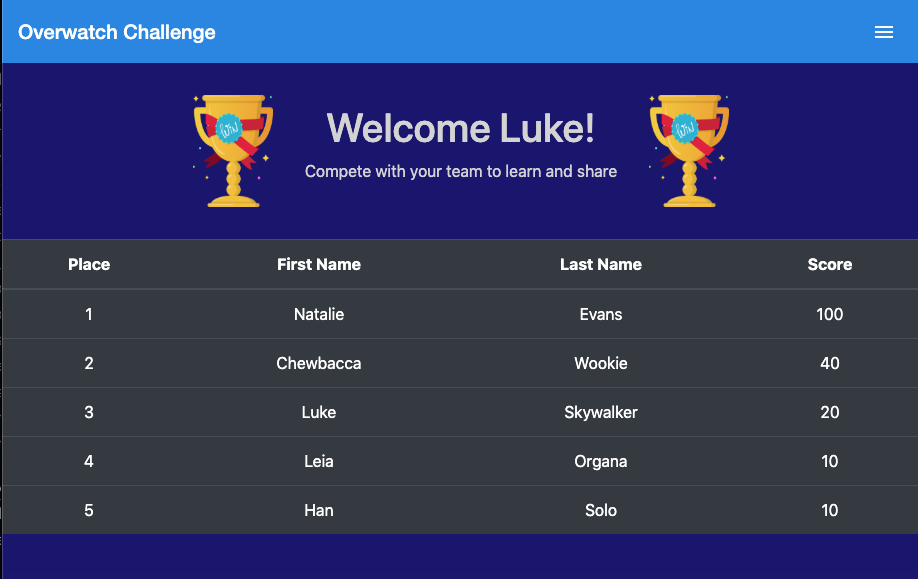
Interestingly, Chewbacca was a coder!
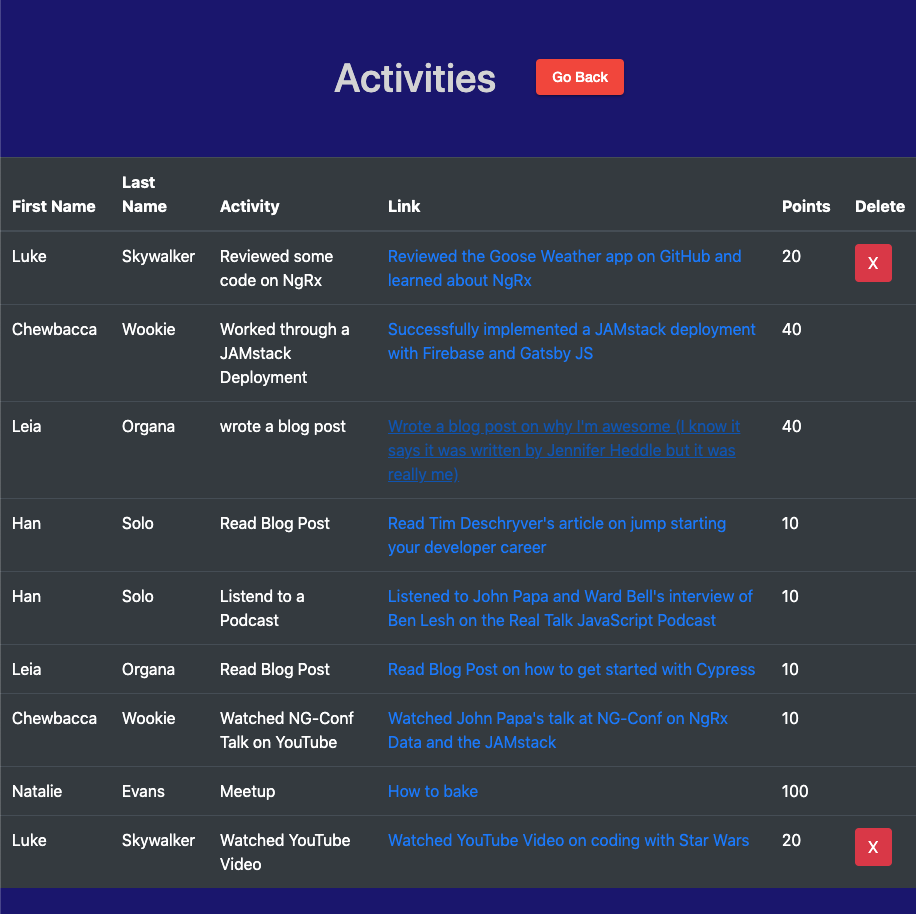
So, what makes this a JAMstack application? Let’s examine how it operates.
- The entire application is hosted using Firebase Hosting. Firebase’s CLI simplifies the process, bundling and deploying the code without hassle. You can read more in my article on Firebase Hosting.
- Deployments are automated via CircleCI. My GitHub repo is connected so that any push to the Master branch triggers a build. CircleCI then reports the build status, and its console provides robust debugging and logging tools. Check out my article on CircleCI for more details.
- For Slack integration, I use Firebase Cloud Functions. These are essentially Google Cloud Functions for Firebase, offering a serverless backend for my app. My functions are triggered when data is written to the Firestore database. These can also be extended to become full APIs using Node Express.
- Authentication is managed with Firebase Authentication, and I use the Cloud Firestore database as the NoSQL data store.
- To interact with Authentication and Firestore, I use the AngularFire library, which provides dependency injection for my Angular components. Direct Firebase API calls are also possible, but I prefer AngularFire for this project.
The most compelling aspect is that I have just a single project. The majority of the code I wrote focuses on the Angular frontend and orchestrating API calls. There’s no separate backend and frontend application — the conventional setup is unnecessary here.
My application’s JAMstack composition looks like this:
- JavaScript (J) = The Angular frontend (recompiled TypeScript) and Firebase Cloud Functions (Node Express) manage the request/response cycle.
- APIs (A) = AngularFire injected dependencies in the Angular app and Firebase Cloud Functions triggered by database events.
- Markup (M) = Webpack builds the Angular application bundle, and a separate Node Express build compiles the Firebase Cloud Functions.
A side note: I also use MkDocs as a static site generator for the Overwatch-Challenge user guide. This is separate from the CircleCI pipeline and outside the JAMstack scope. I mention it as an example of a site generator — MkDocs is excellent and I highly recommend it.
What benefits did this architecture provide?
- Development moved much faster, totaling around 20 hours overall.
- External dependencies were minimal, as Firebase handled most operational concerns.
- I could focus on creating a good UI and user experience rather than building and running servers.
- Maintenance responsibilities shifted to the Firebase Console, eliminating the need to manage my own server infrastructure.
Closing Thoughts
I hope this walkthrough of a JAMstack example makes the advantages clear. I’ve been using Firebase for a while, and only recently did I understand why this approach makes applications enjoyable to build and easy to maintain. I’d suggest reviewing the Firebase Documentation and trying a hello world app when you have a chance. Also, be sure to check the linked articles for deeper dives into these concepts.